

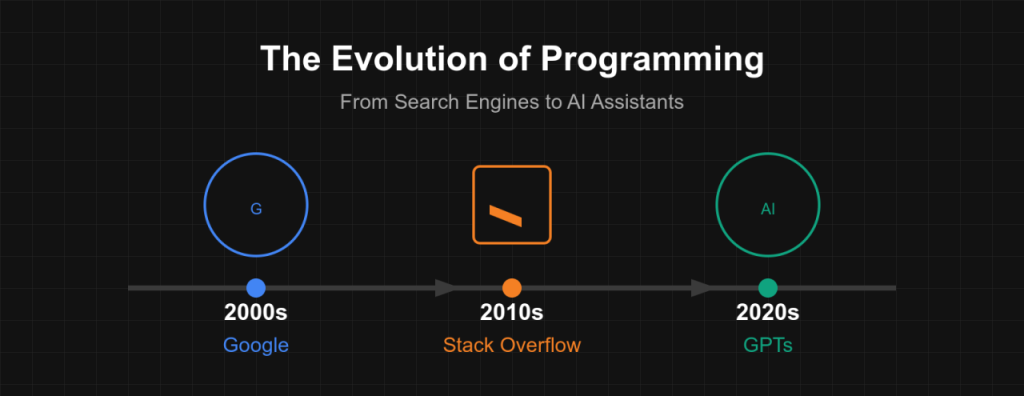
Programming has always changed; it went from punch cards to command-line compilers, from visual integrated development environments to cloud-native development. Another important turning point is also being reached: the direct incorporation of AI into the coding process. AI-assisted programming, especially through tools like GitHub Copilot and others powered by large language models, is redefining how developers write code, debug, and even think about problem-solving.
Unlike traditional coding aids or static autocomplete, modern AI-powered tools analyze natural language inputs, predict context-aware code, suggest complete functions, and learn from codebases in real-time. This change is not merely technological; it is revolutionizing software teams’ decision-making, productivity, and teamwork.
AI-assisted programming with GitHub Copilot is becoming essential for modern development teams. According to GitHub’s official Copilot page, the tool was trained on billions of lines of code from public repositories.
1. First, what is AI-assisted programming?
The use of machine learning and natural language processing models to automate, enhance, and support different software development processes is known as AI-assisted programming. These tools act as intelligent pair programmers, producing boilerplate code, finding errors, creating test cases, and even suggesting logical optimizations.
Although GitHub Copilot is the most well-known example, the technology behind it is a component of a larger trend. AI assistants are now being embedded in IDEs, version control systems, CI/CD pipelines, and DevOps platforms. They provide language-specific syntactic assistance, adjust to different coding styles, and instantly comprehend project file context.
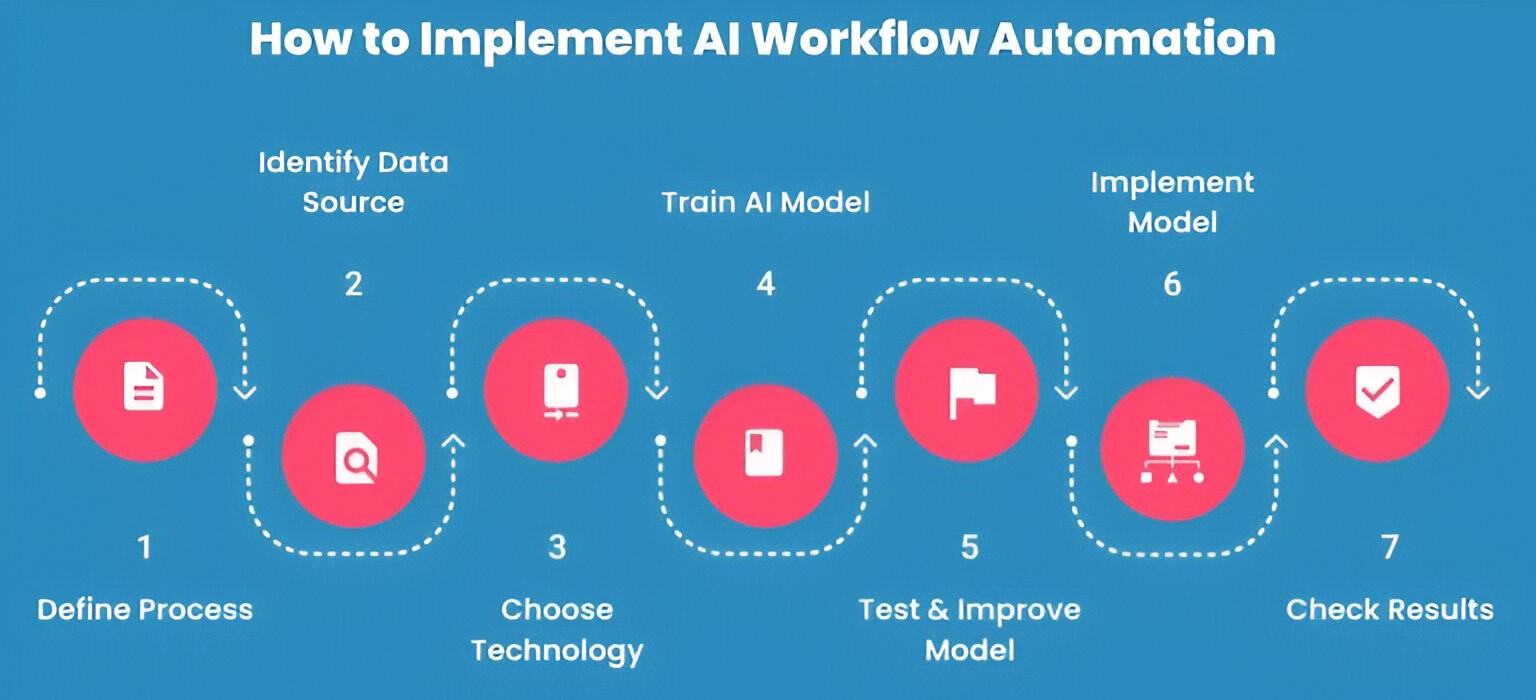
2. The Impact on Developer Productivity and Workflow
One of the biggest promises of AI tools is improved productivity. The ability to bypass repetitious coding processes allows developers to move more quickly from idea to execution. Writing documentation stubs, test suites, or empty works, for instance, becomes quick.
Developers may concentrate on logic and architecture instead of syntax and repetitive activities because of AI’s ability to lessen mental strain. Rapid prototyping, investigating other logic paths, and experimenting with new frameworks or APIs are all made simpler without the need for continuous manual searching or trial and error.
Moreover, during code reviews or debugging, AI can assist in pointing out potential vulnerabilities or optimization opportunities, effectively becoming a 24/7 intelligent reviewer.
3. Advantages of Using Git and Similar AI Tools Like Copilot
AI-assisted coding has benefits beyond speed. Here are a few main advantages:
- Reduced Coding Time: AI tools generate large code snippets with minimal input.
- On-the-Fly Documentation: Certain tools automatically produce function summaries, comments, and documentation.
- Context-Aware Suggestions: They consider the code around them and offer pertinent recommendations.
- Better Code Quality: AI fixes typos and syntactic mistakes while recommending best practices.
- Support for Learning: Junior developers can learn from real-time suggestions and clean code examples.
Why GitHub Copilot Isn’t Just Another Code Helper
These advantages are particularly helpful in agile settings that move quickly, when iteration speed is crucial and developer productivity directly affects company results.
4. Possible Hazards and Moral Issues
Even with its benefits, AI-assisted programming has drawbacks. One issue is the accuracy of the code; taking AI-recommended code at face value may result in logical mistakes or security vulnerabilities. It still needs to be tested and rigorously examined by developers.
There’s also the issue of code ownership and plagiarism. When AI generates code learned from public repositories, it may inadvertently reproduce copyrighted or non-compliant code snippets.
Data privacy is also becoming a bigger problem, particularly in business settings where confidential proprietary code is utilized. Using cloud-based AI tools may expose confidential business logic to third-party systems.
5. Practical Use Cases and Adoption by Developers
Industry adoption of AI-assisted tools is accelerating. In enterprise software development, they help with scaling microservices architecture, maintaining legacy code, and onboarding new team members. AI tools are used by startups for rapid MVP production and prototyping.
Developers are now including the Copilot predictions in GitHub pull requests, even in open-source groups. Because these tools support a variety of languages and platforms, game developers, embedded engineers, and developers of mobile apps additionally find value in them.
As of today, a growing number of developers report increased job satisfaction by offloading mundane tasks and gaining more time for creative problem-solving.
6. Programming’s Future with AI Integration
AI in software development has a bright but complicated future. In the upcoming years, we might witness:
- Debugging and writing code at the same time with fully AI-integrated IDEs.
- Blueprints for huge systems’ architectures that are automatically produced.
- Pair programming bots with memory and learning capabilities in real time.
- Cross-language translators that require little human intervention to change codebases.
However, AI will enhance developers’ skills rather than replace them. The human role will shift more toward critical thinking, system design, and strategic planning, while AI handles routine implementation details.
To sum up, accept the change and maintain control.
AI-assisted programming represents a fundamental shift in the way code is created and maintained, not just a fad. Developers who adopt these tools smartly—balancing automation with human oversight—stand to benefit the most.
Ignoring AI technologies means lagging behind in terms of speed and innovation, even while it’s crucial to be risk-averse. The best course of action is to adopt AI with awareness, push its boundaries constantly, and change with the technologies as they advance.
Teams leveraging AI-assisted programming with GitHub Copilot report faster debugging and more reliable outputs. Want to learn how automation fits into DevOps? Don’t miss our blog on Top DevOps Tools for 2025.