

Android Jetpack 2025: What’s New and What Developers Need to Know
Android development continues to evolve rapidly—and with the latest Android Jetpack 2025 update, Google is once again reshaping how developers build apps. From improved Jetpack Compose support to AI-driven performance tools, this year’s release is packed with powerful new features designed to enhance productivity, consistency, and scalability.
Let’s dive into what’s new in Android Jetpack 2025 and why it matters to developers like you.
🚀 What is Android Jetpack?
Before diving into the new features, it’s important to understand what Android Jetpack is. Jetpack is a suite of libraries, tools, and architectural guidance provided by Google to streamline Android development. It helps developers follow best practices, reduce boilerplate code, and build robust apps efficiently.
🔗 An Introduction to Android Jetpack – Official Android Developers Page
🔍 What’s New in Android Jetpack 2025?
✅ 1. Jetpack Compose 2025 — A Major Leap
📌 More Declarative Power & Custom Animations
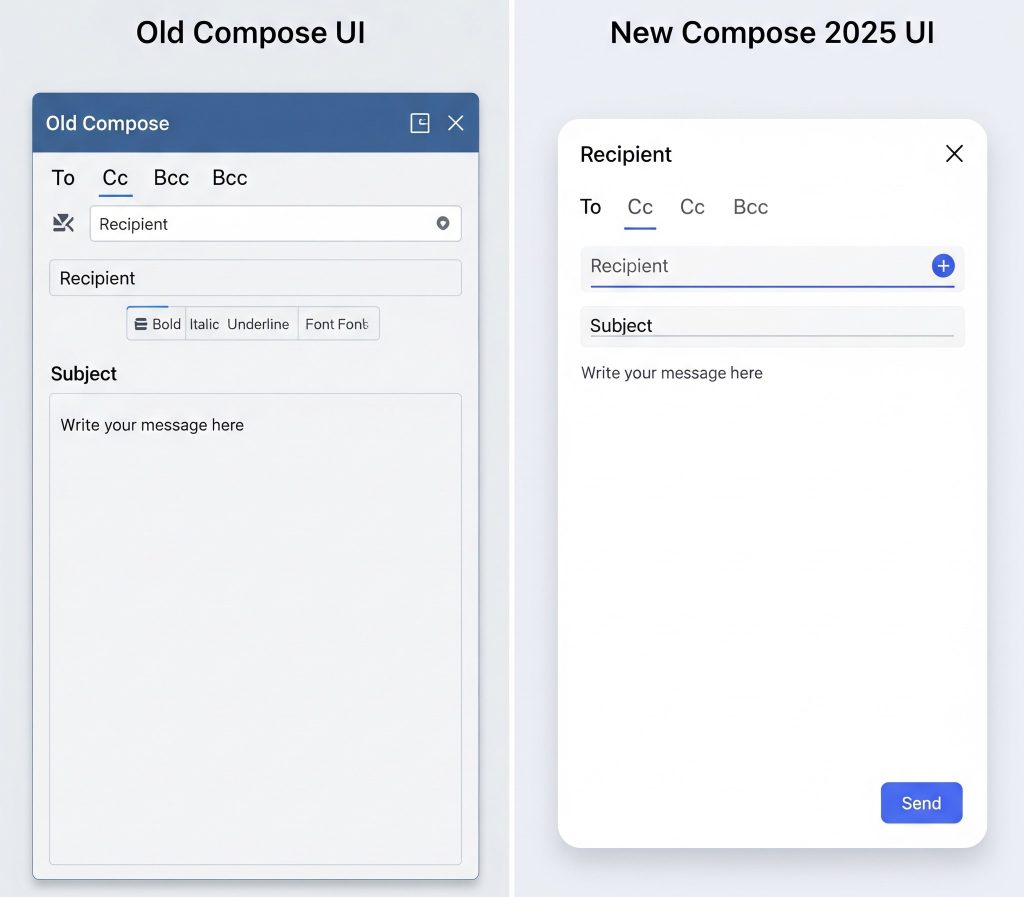
Jetpack Compose 2025 takes UI building to the next level. With improved syntax, reduced recomposition overhead, and more powerful animation APIs, developers can now create smoother UIs with less effort.
- New APIs for multi-window support
- Dynamic theming support aligned with Material You 3.0
- Animated vector graphics with frame syncing
✅ 2. Glance for Widgets – Smarter Home Screens
The Glance library now supports interactive, AI-enhanced widgets on both Android and Wear OS. You can now:
- Build real-time, interactive widgets
- Use AI suggestions via Android System Intelligence
- Personalize content based on context and usage
🔗 Explore Glance on Android Developers
✅ 3. Room Database — Now AI-Indexed
Room 2025 introduces AI-powered schema optimization that recommends faster query indexing and prefetch strategies during compile time.
📌 Key Features:
- Kotlin Multiplatform support
- Improved compile-time validation
- Auto-generated query hints

✅ 4. Navigation Component — Multi-Stack Support
Developers have long requested multi-backstack navigation, and 2025 finally delivers it!
Now, with Navigation 3.2, you can manage multiple navigation stacks within bottom navigation or tabbed apps without custom workarounds.
✅ 5. WorkManager — Predictive & Battery Smart
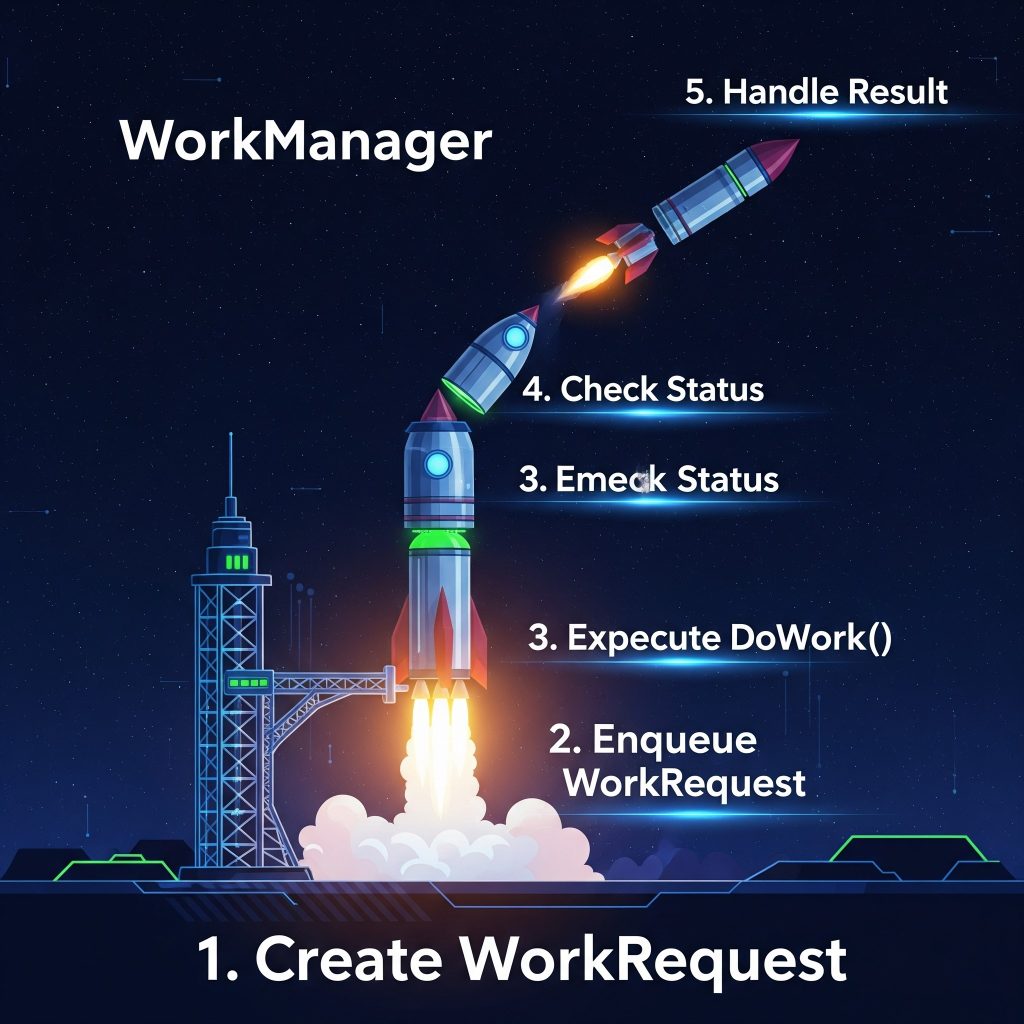
The new WorkManager APIs can now predict optimal execution time using device learning models.
📌 Key Additions:
- Smart battery-aware scheduling
- Work chaining with auto-retries
- Real-time execution monitoring
Example:
⚙️ Additional Updates Worth Noting
✅ 1. Kotlin Multiplatform Enhancements
Jetpack libraries are being optimized for Kotlin Multiplatform (KMP). This update allows you to share business logic across Android, iOS, desktop, and web more effectively.
- Core libraries like
DataStore,WorkManager, andRoomnow support KMP - Improved Kotlin compiler support for cross-platform debugging
✅ 2. AI Integration with Android Studio Bot
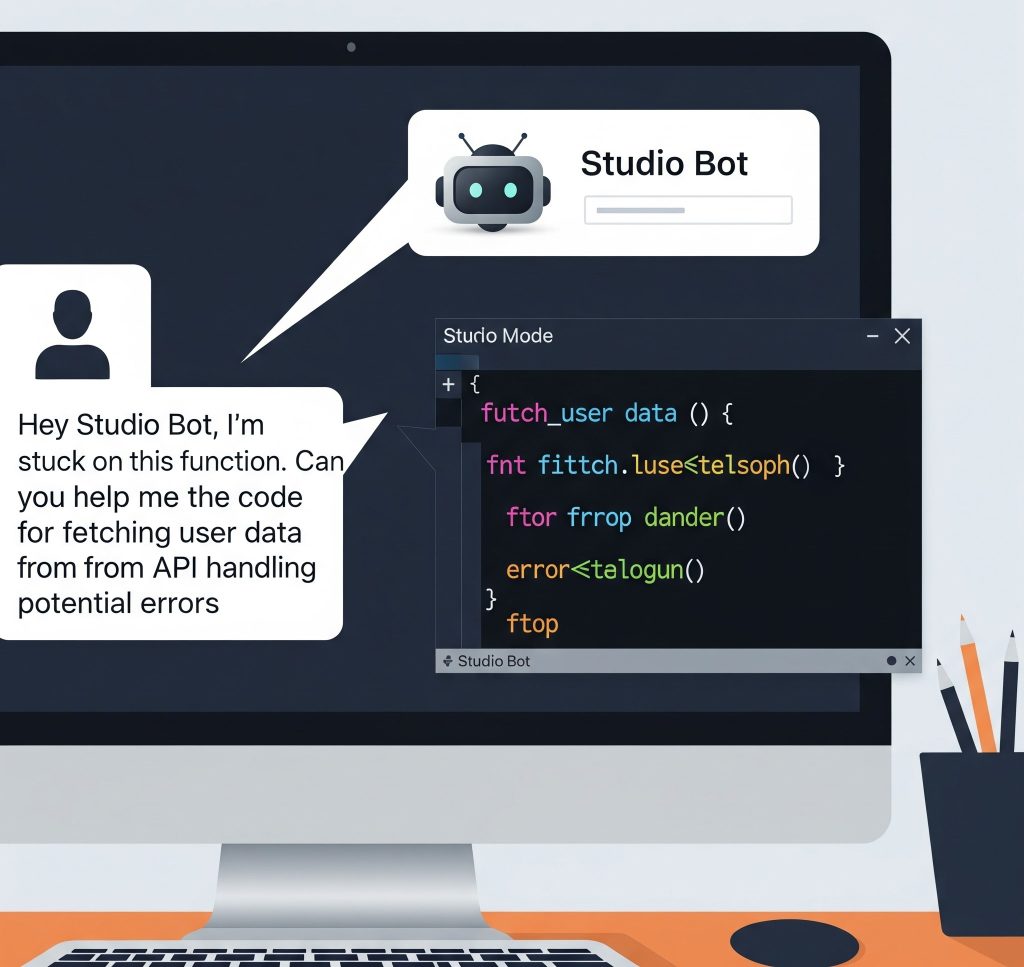
Jetpack 2025 works closely with Android Studio Bot, enhancing app code suggestions, bug fixes, and instant documentation with just natural language prompts.
🔗 AI-Powered Development with Studio Bot
📈 Why It Matters: Developer Benefits in 2025
✅ Key Advantages of Jetpack 2025
- ⚡ Faster Development: Compose, Glance, and AI integrations reduce development time.
- 🧠 Smarter Apps: Predictive behaviors and contextual APIs enhance user experience.
- 🔁 Better Maintenance: With KMP and declarative UIs, future-proofing your apps is easier.
✅ Final Thoughts
Android Jetpack 2025 is not just another incremental update—it’s a strategic leap forward for mobile developers. By leveraging AI, Kotlin Multiplatform, and Compose enhancements, Google has made it clear that the future of Android development is smart, efficient, and cross-platform.
Whether you’re building your next great app or maintaining an existing one, Jetpack 2025 is a toolkit you cannot afford to ignore.
🔗 Top Backend Frameworks to Use in 2025
🔗 What’s New in Android at Google I/O