

In today’s fast-paced digital world, keeping up with technology often feels like a never-ending race. However, Google’s ChromeOS Flex has emerged as a game-changing solution—especially for businesses burdened with aging devices. This lightweight operating system breathes new life into outdated hardware, turning them into efficient, secure, and cloud-ready systems.
Let’s explore how ChromeOS Flex is revolutionizing the way offices utilize their legacy infrastructure.
🔧 What Is ChromeOS Flex?
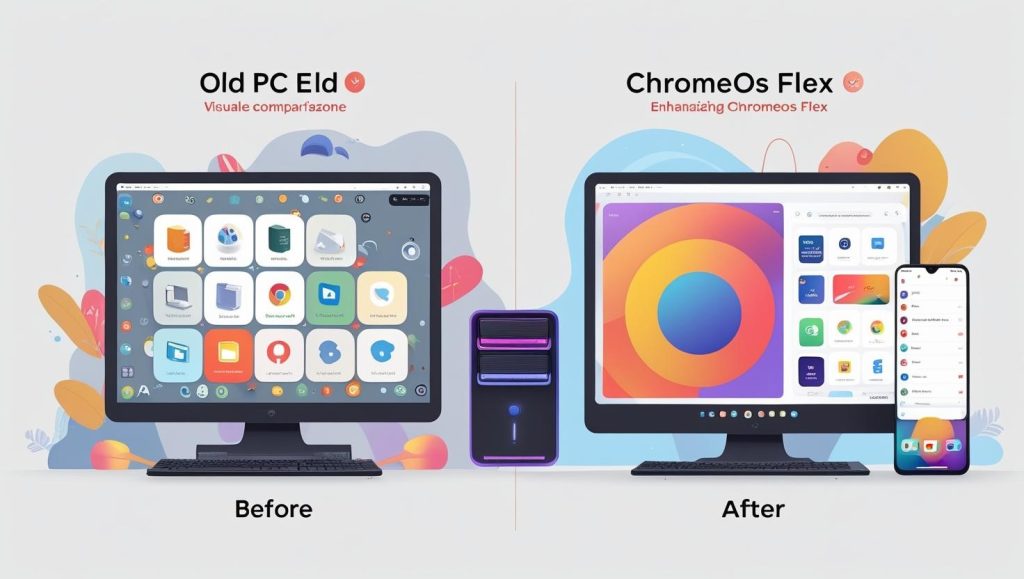
ChromeOS Flex is a cloud-first operating system developed by Google. It is designed to replace outdated OS on Windows and Mac devices, especially those that are no longer supported or running slowly. Best of all, it’s free to install and easy to manage—making it ideal for office environments that want to cut costs without compromising functionality.
🏢 Why Offices Are Turning to ChromeOS Flex
✅ 1. Extended Device Lifespan
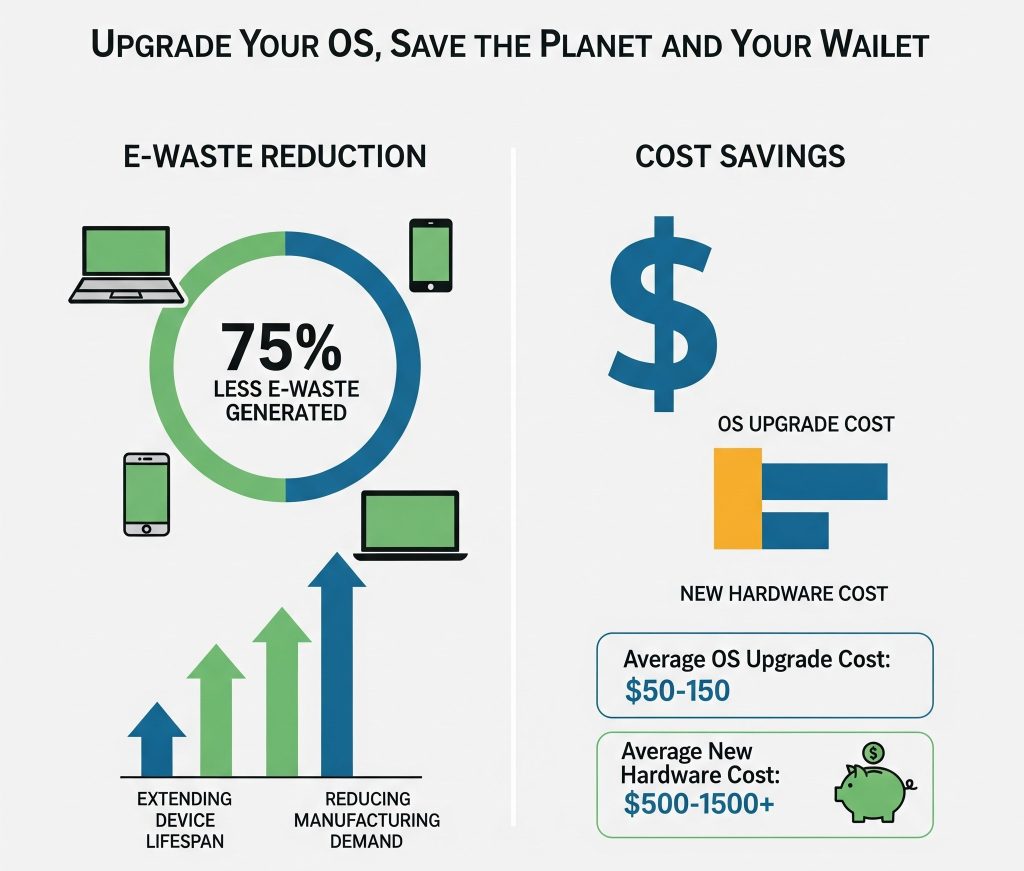
Instead of discarding aging hardware, offices can now extend the life of legacy systems by switching to ChromeOS Flex. This reduces electronic waste and saves on purchasing new machines.
✅ 2. Improved Performance
Devices that were previously sluggish under Windows or macOS become significantly faster and more responsive with ChromeOS Flex.
✅ 3. Enhanced Security
ChromeOS Flex features built-in virus protection, sandboxing, and regular auto-updates, making it a secure option for business use.
💡 Real-World Impact in Office Environments
🖥️ Upgraded IT Infrastructure at Low Cost
Offices that previously faced high hardware replacement costs can now modernize their infrastructure without hefty investments.
♻️ Environmentally Friendly IT Strategy
By repurposing legacy hardware, companies reduce their carbon footprint and contribute to sustainability goals.
🔗 “Why Investing in IT Infrastructure Is No Longer Optional”
⚙️ Key Features That Make ChromeOS Flex Office-Ready
🔄 Seamless Cloud Integration
ChromeOS Flex is built for Google Workspace and other cloud-based tools, making it ideal for hybrid work environments.
🔐 Admin-Friendly Management
Using Google Admin Console, IT teams can manage devices remotely—perfect for large-scale deployments.
🔌 Quick Boot Time & Smooth UX
With boot times under 20 seconds, employees spend less time waiting and more time working.
🔁 Transitioning to ChromeOS Flex: What Offices Should Know
🔄 Installation Process
The installation is simple—IT admins can use a USB drive to create a bootable installer. It supports thousands of certified devices.
📋 Compatibility Considerations
While ChromeOS Flex supports many device models, it’s important to check the certified models list before deployment.
📈 Benefits vs. Traditional Operating Systems
| Feature | ChromeOS Flex | Windows/macOS (Legacy) |
|---|---|---|
| Boot Time | < 20 seconds | 1-2 minutes |
| Virus Protection | Built-in | Third-party required |
| Hardware Requirements | Low | Medium to High |
| Cost | Free | License fees apply |
| Updates & Patches | Auto-updated | Manual/Enterprise only |
🤔 Is ChromeOS Flex Right for Your Office?
If your company is looking to reduce IT costs, embrace sustainable practices, and boost employee productivity, then ChromeOS Flex is a strong contender. It’s best suited for:
- Schools and offices with older fleets
- Startups with limited tech budgets
- Organizations adopting a cloud-first strategy
🔚 Final Thoughts: The Future of Office Tech Starts with Smart Choices
ChromeOS Flex is not just a short-term fix—it represents a fundamental shift in how businesses view hardware usage. By empowering legacy devices with a modern OS, companies can innovate without heavy investments.
So, instead of replacing your old PCs, why not revive them with ChromeOS Flex?